Classes, parents and partner schools — on one platform.
A learning platform for after-school academies and enrichment programmes — courses and levels, batches and attendance, timed assessments, online fee collection, certificates and a school-partnership portal, with a dashboard for every role. Each academy runs on its own branded deployment.
- 5
- Role-based portals
- 6
- Question types
- 3
- Delivery modes
- Razorpay
- Online fee collection
Everything in one place
What KidsWiz does, end to end.
Courses & Levels
Programmes broken into levels and topics, each level with its own pass mark and assessment.
Batches & Attendance
Online, in-centre and on-campus batches with sessions generated from the timetable and attendance marked by the instructor.
Assessment Engine
A question bank with six question types, timed tests that auto-submit, automatic grading and a review queue for written answers.
Fees & Payments
Fee plans per course, level and delivery mode, paid online through Razorpay with full payment history for parents.
Badges & Certificates
Stars on every assessment, badges awarded automatically, and certificates with a public, shareable verification link.
School Partnerships
A coordinator portal for partner schools with student, attendance and assessment reports — plus per-school invoicing.
From enrolment to certificate
- 01
Enrol & pay
A parent adds their children, picks a batch with spots left and pays online. The enrolment activates when the payment is confirmed.
- 02
Attend
Sessions are generated from the batch timetable. Instructors mark each student present, absent or late, and parents see the history.
- 03
Assess
Students take timed level assessments. Objective questions are graded instantly, and written answers go to the instructor's queue.
- 04
Celebrate
Stars for every pass and badges awarded automatically. When a level is complete, the academy issues a certificate with a shareable link.
Parents follow it all from their own dashboard: attendance, scores, badges and payments for every child.
Built for real classrooms and real parents
Tests run out of time, payments fail and batches fill up. KidsWiz has a clear answer for each, so the academy doesn't have to improvise.
- A student doesn't pass a level test
- They can try again up to the number of attempts the academy allows, and the report card keeps their best result.
- Time runs out mid-test
- The countdown turns red in the last minute, and the test submits itself at zero.
- An answer needs a person to mark it
- Written answers go to the instructor's grading queue. The score, result and stars update once they're marked.
- A payment fails
- The parent is told in the app and by SMS, and the enrolment waits until a payment goes through.
- The browser closes during payment
- Razorpay confirms the payment directly with the server, so the enrolment still activates.
- The batch is full
- Enrolment closes at capacity, and parents see how many spots are left before they choose.
- Two children, one parent
- One account holds every child, with progress and attendance for each and all payments in one history.
- Someone checks a certificate
- Each certificate has a public link anyone can open, with no login. A revoked certificate stops verifying.
A front door parents can use on any phone
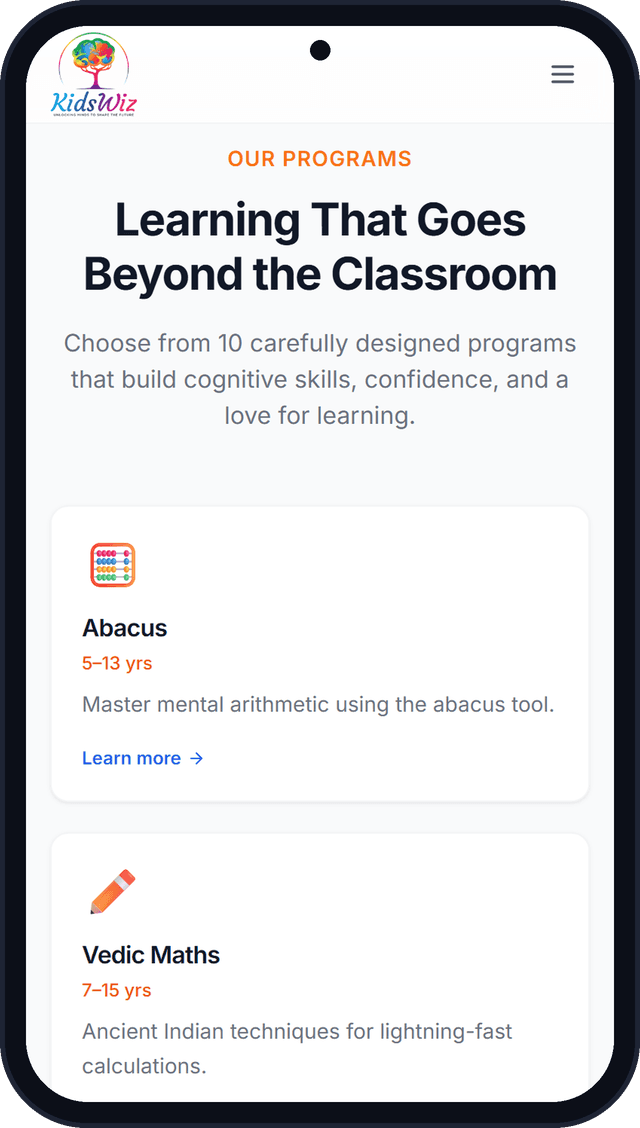
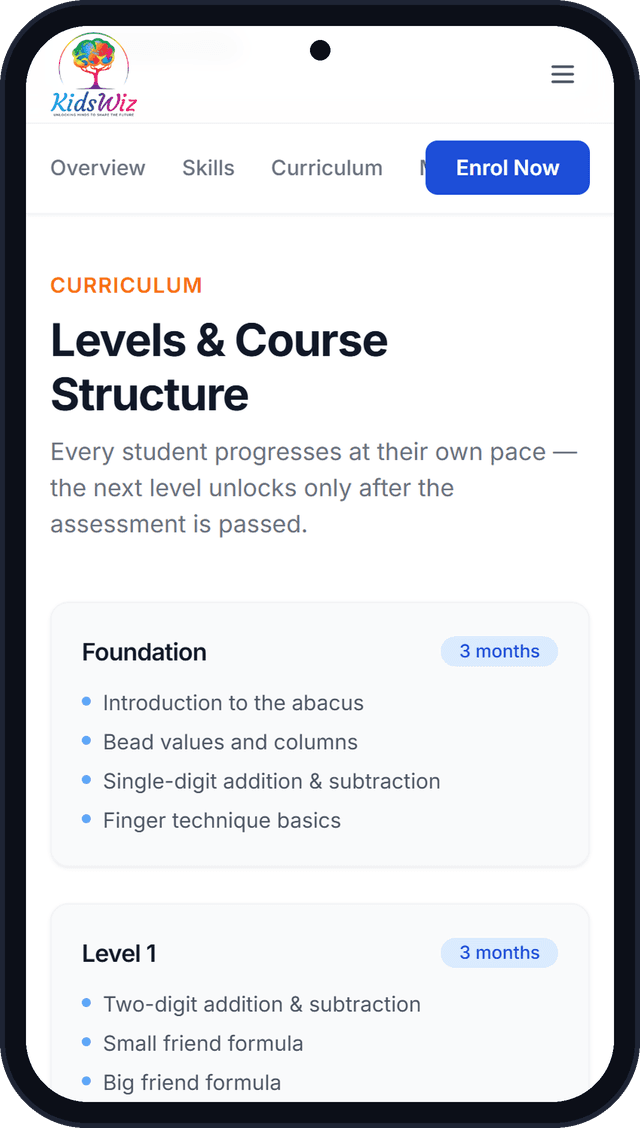
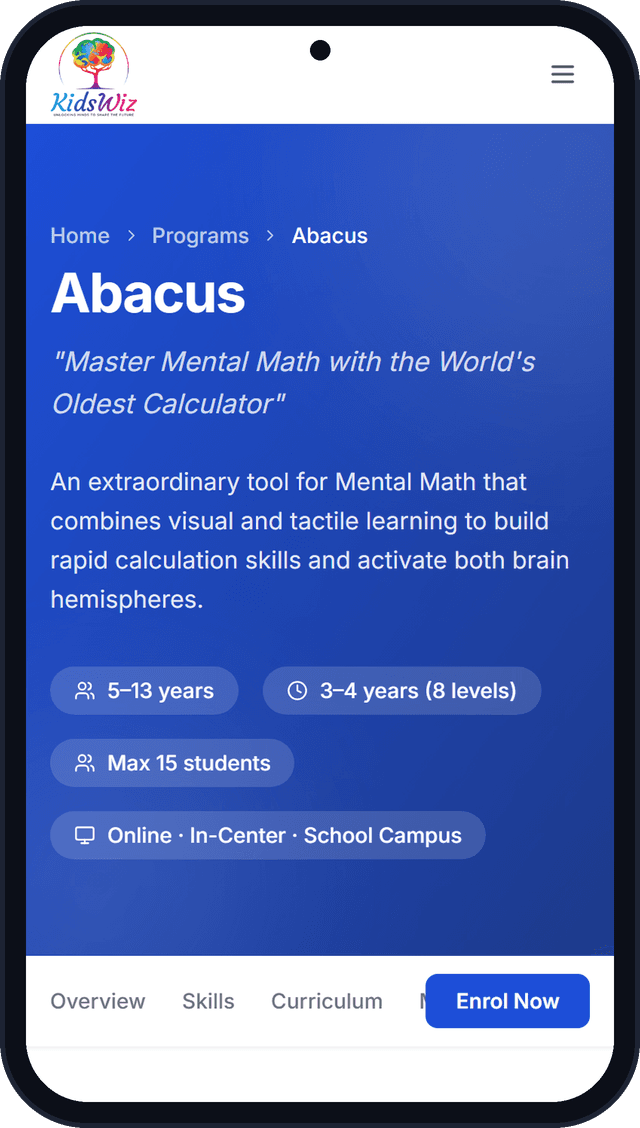
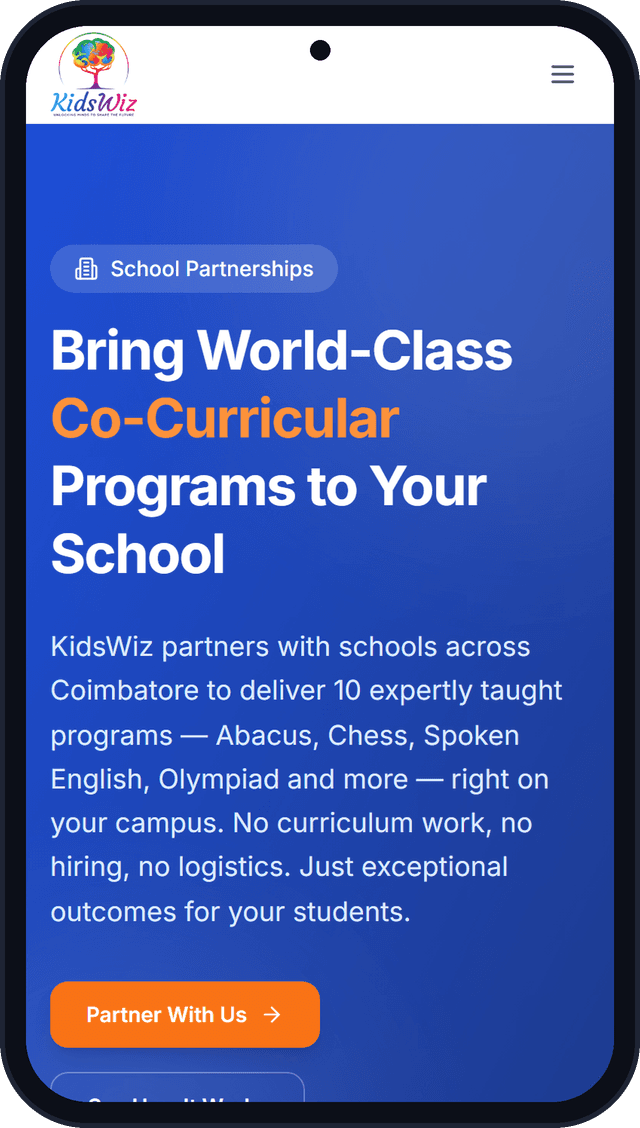
Programme pages, school partnerships and enrolment are designed for the phone first. Screens from the live kidswiz.in site.
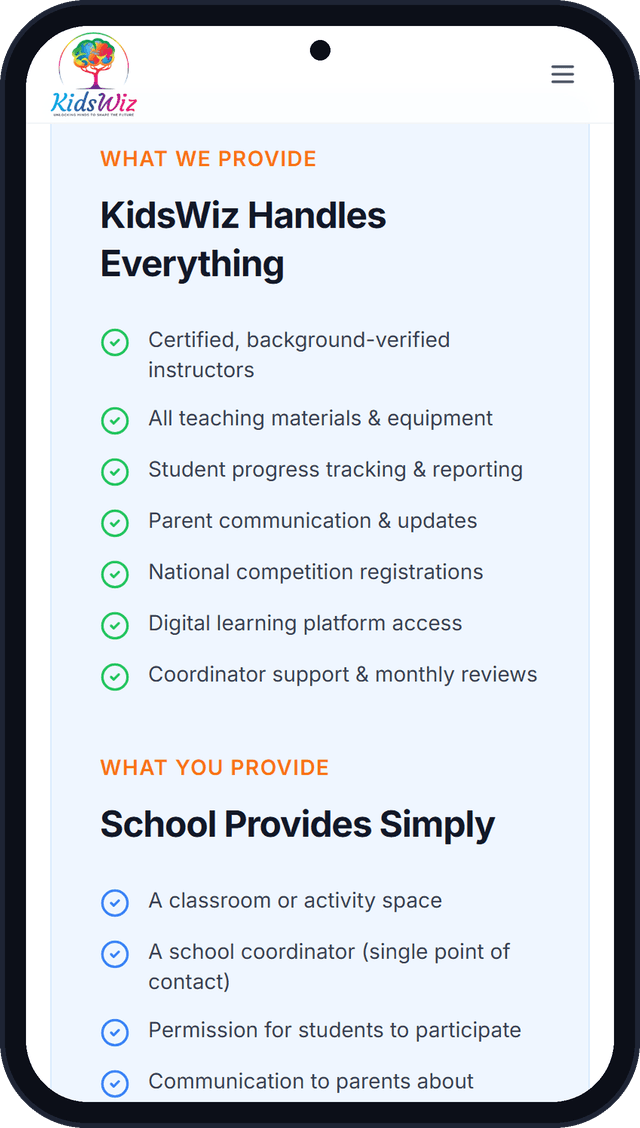
One platform, a dashboard for everyone
Admin
Courses, batches, fees, schools, reports and platform settings.
Instructor
Upcoming sessions, attendance marking and a grading queue for written answers.
Parent
Enrol children, pay fees, and follow attendance, scores and badges.
Student
Courses, timed assessments, badges, certificates and a printable report card.
School coordinator
Enrolled students, attendance and assessment results for their own school.
Your academy, on its own platform
- 01
Demo
A walkthrough of the admin, parent and student portals on our flagship kidswiz.in platform.
- 02
Brand & deploy
We set up your own deployment with your name, logo, colours and domain, connected to your Razorpay account.
- 03
Set up programmes
Add courses, levels and pass marks, fee plans per delivery mode, batches and partner schools from the admin portal.
- 04
Open enrolment
Parents register, add their children and enrol online, and your classes begin.
Each academy gets its own deployment and database, so your students' data is never shared with another academy.
Ready to see KidsWiz in action?
Visit the live product site, or talk to the team that builds it.